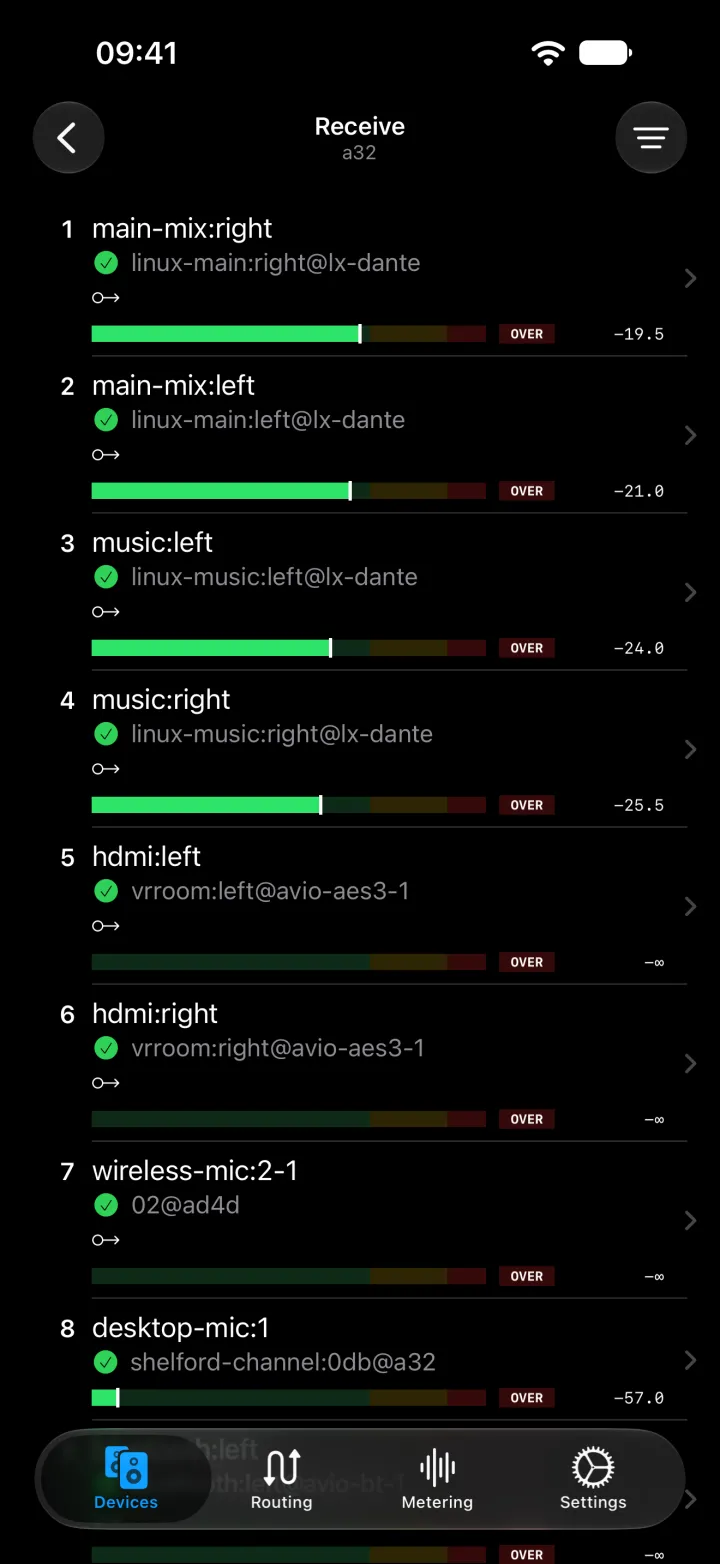
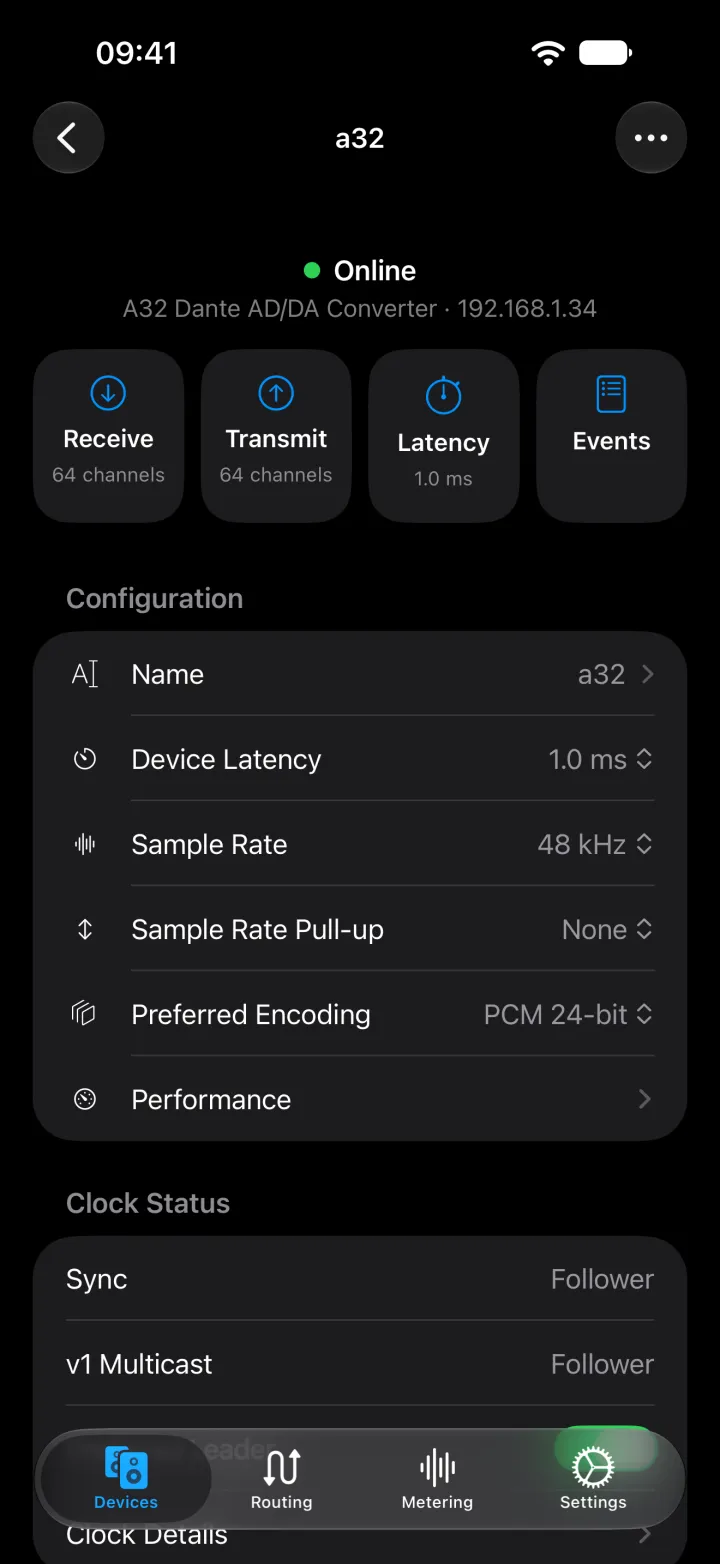
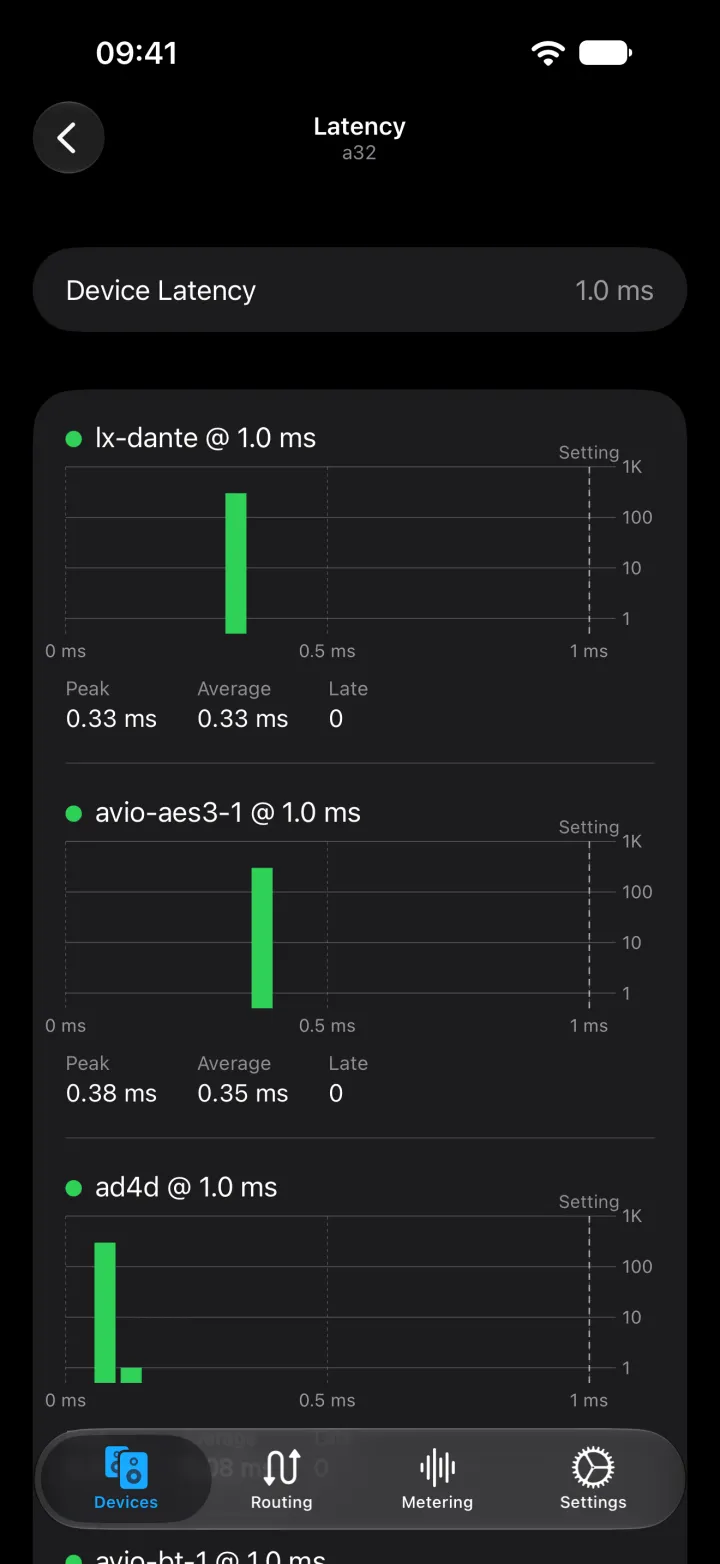
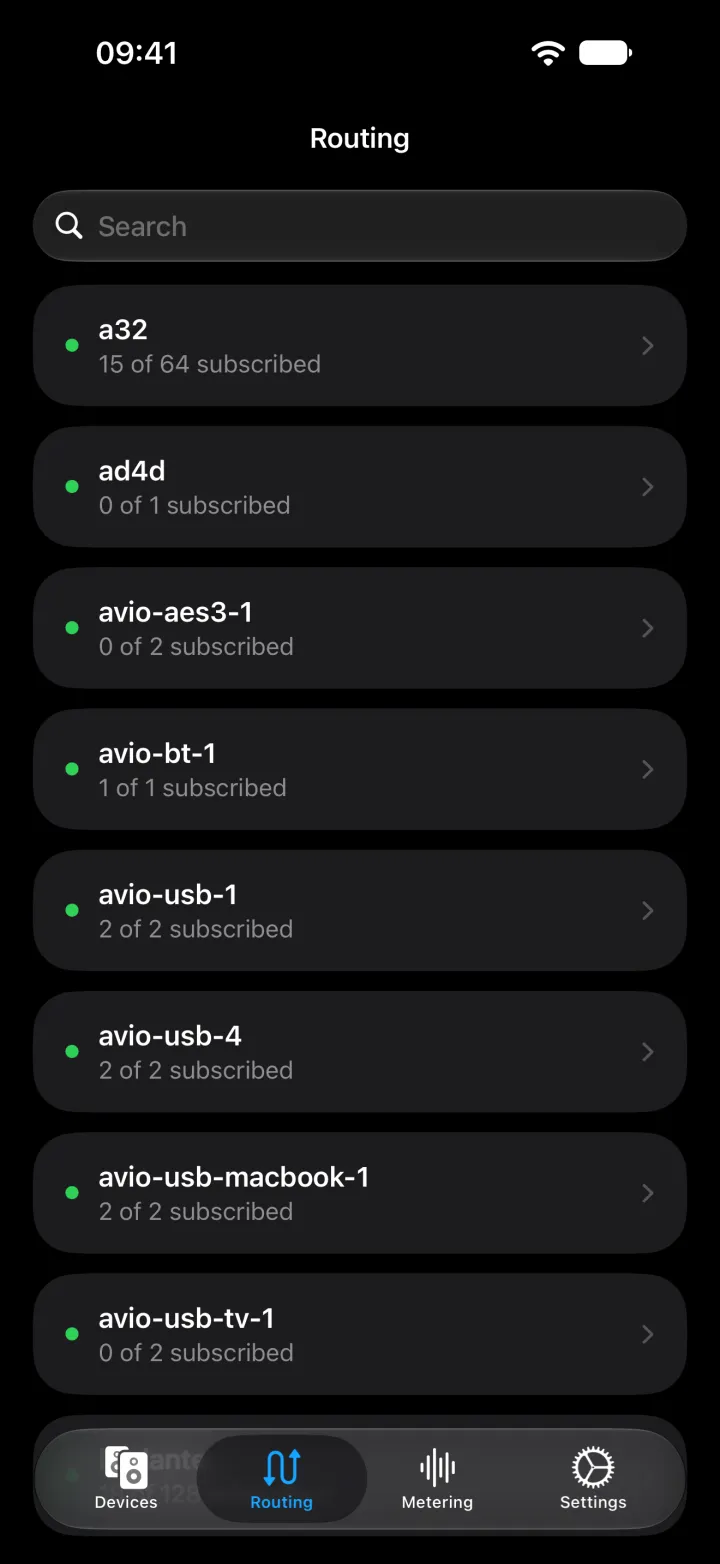
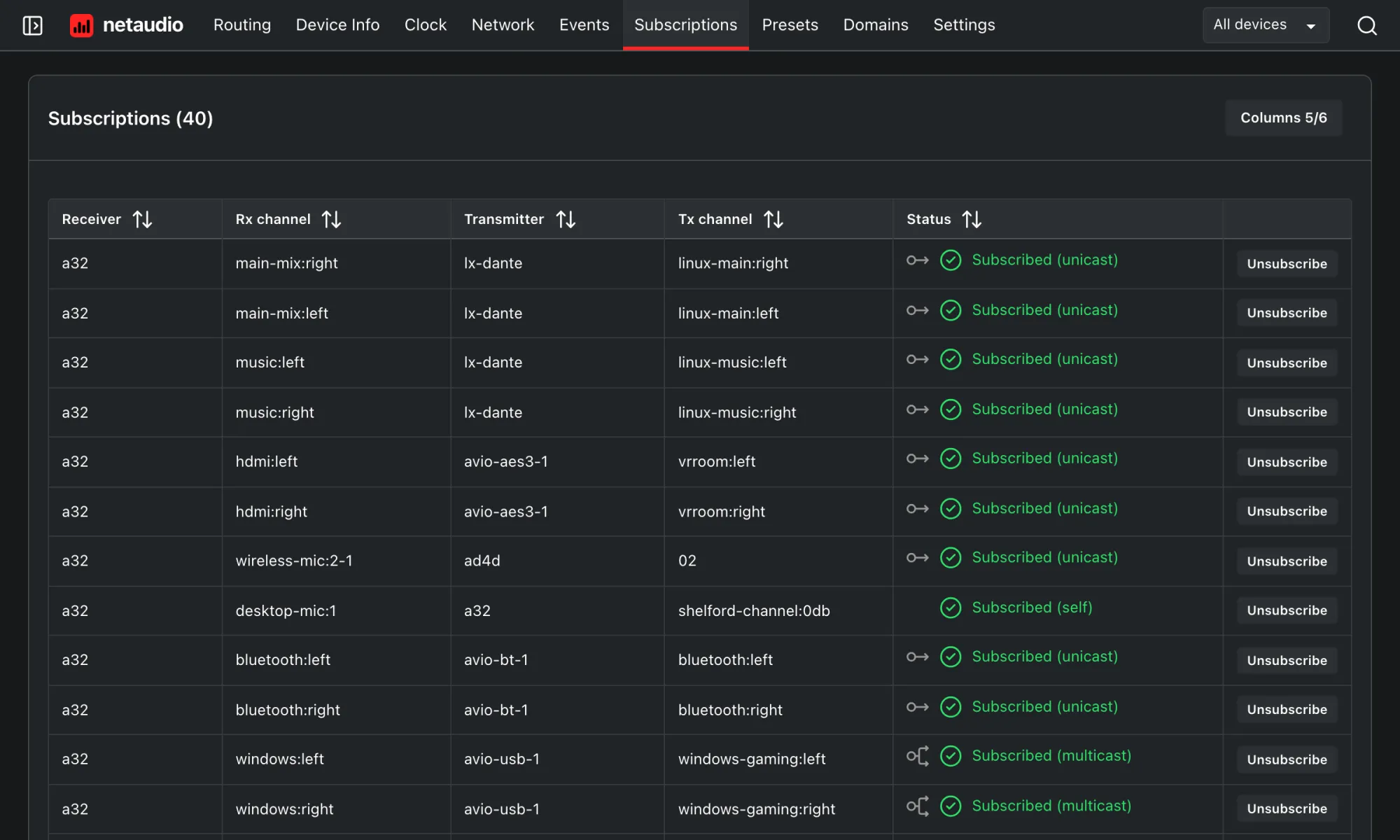
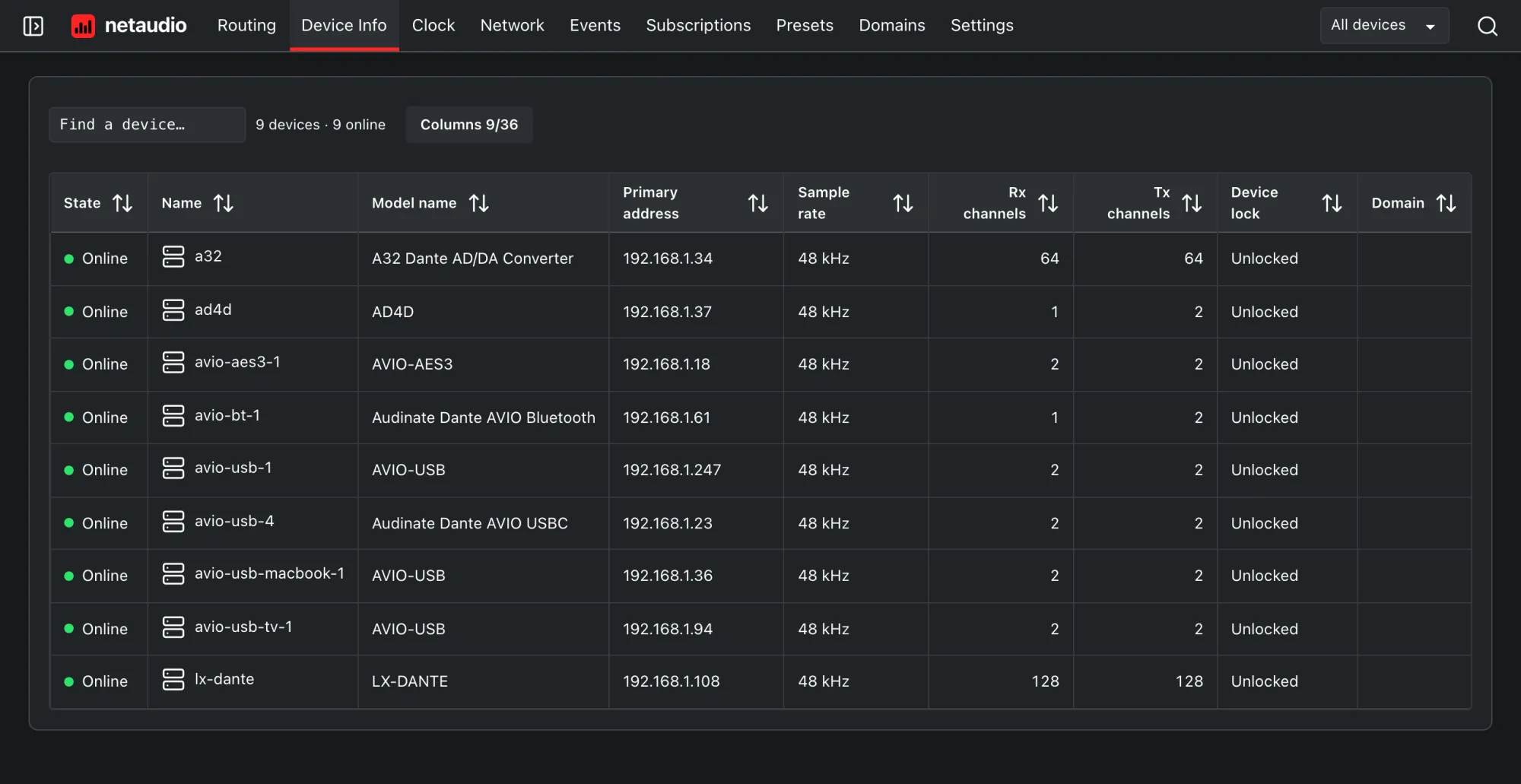
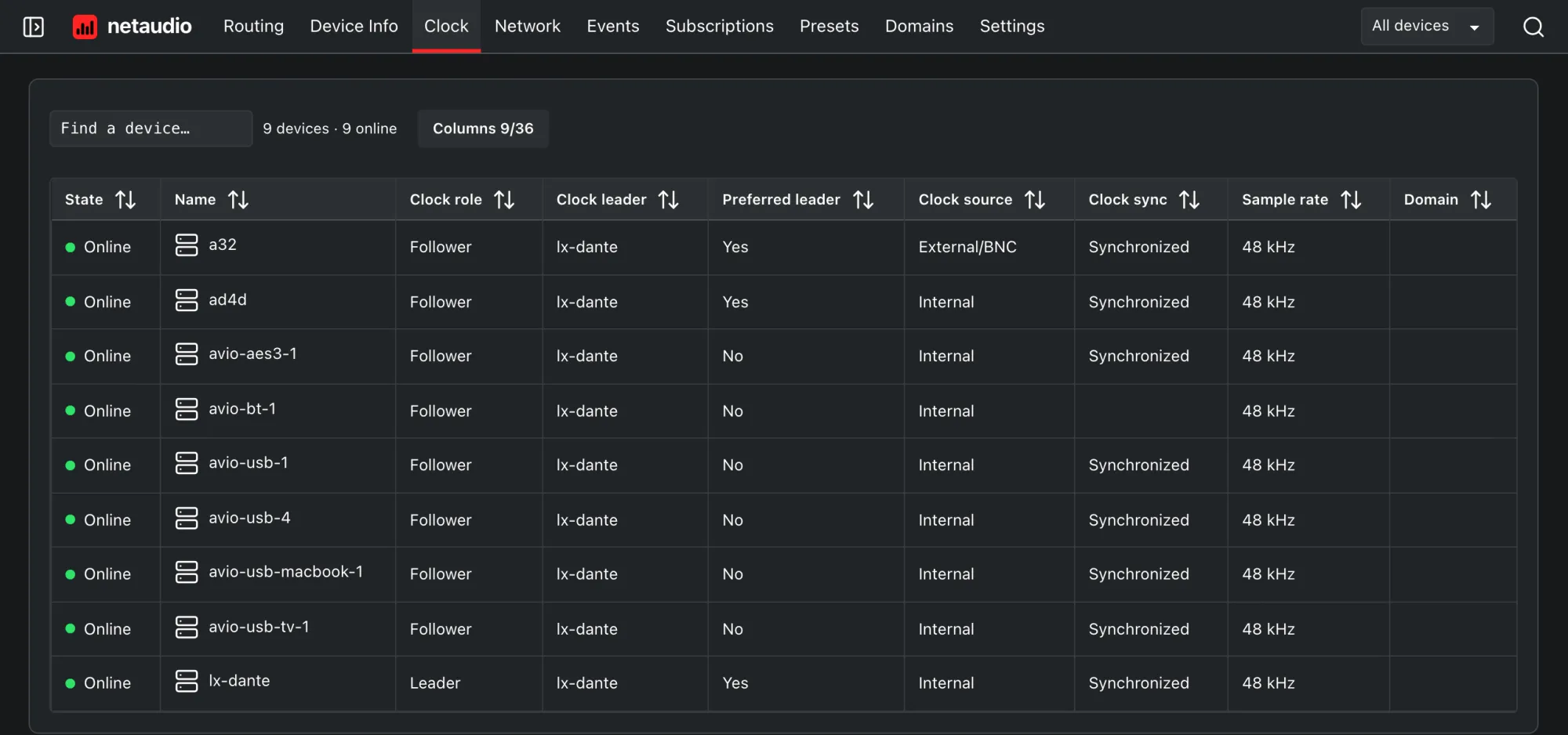
From your iPhone or iPad
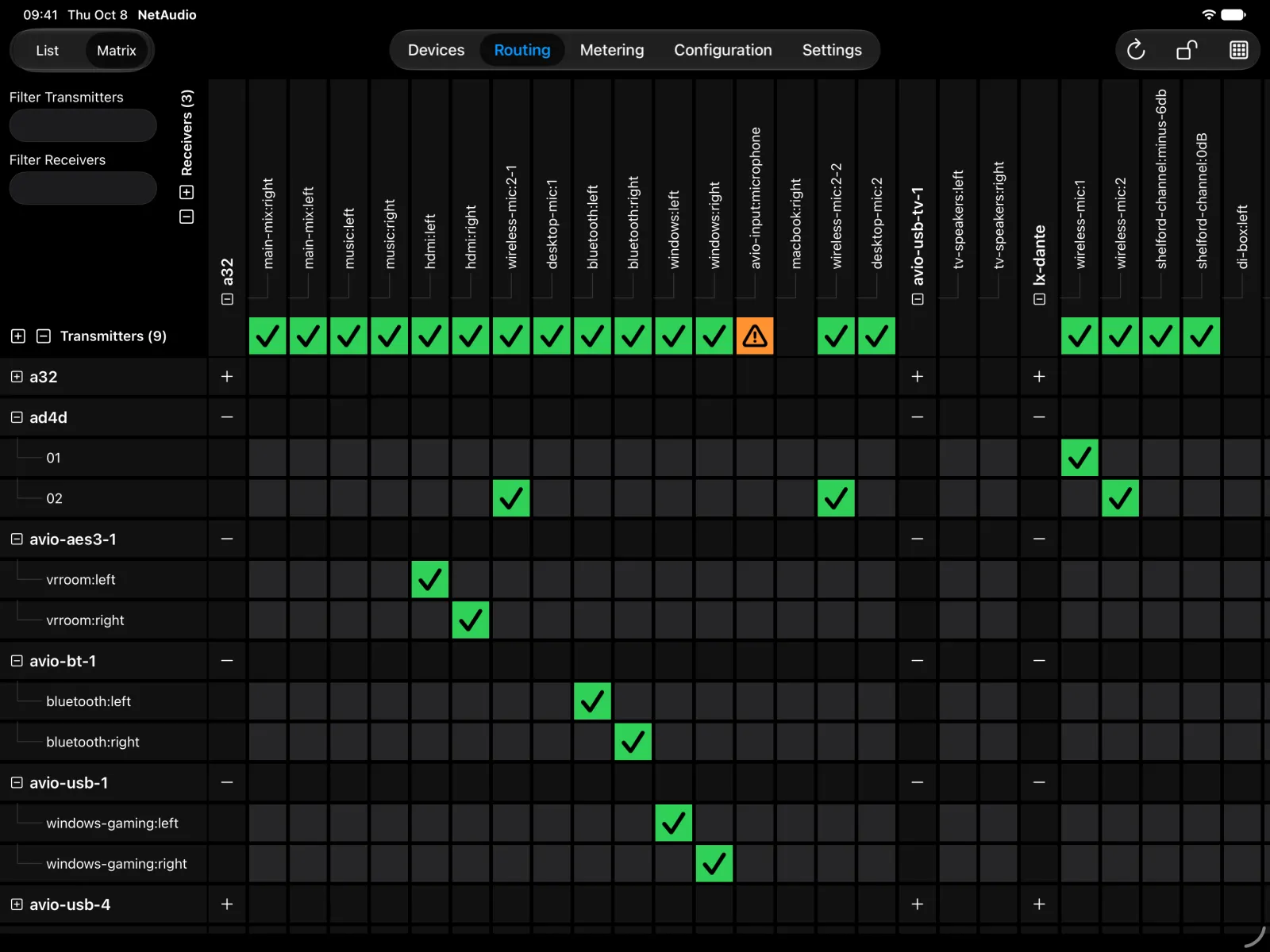
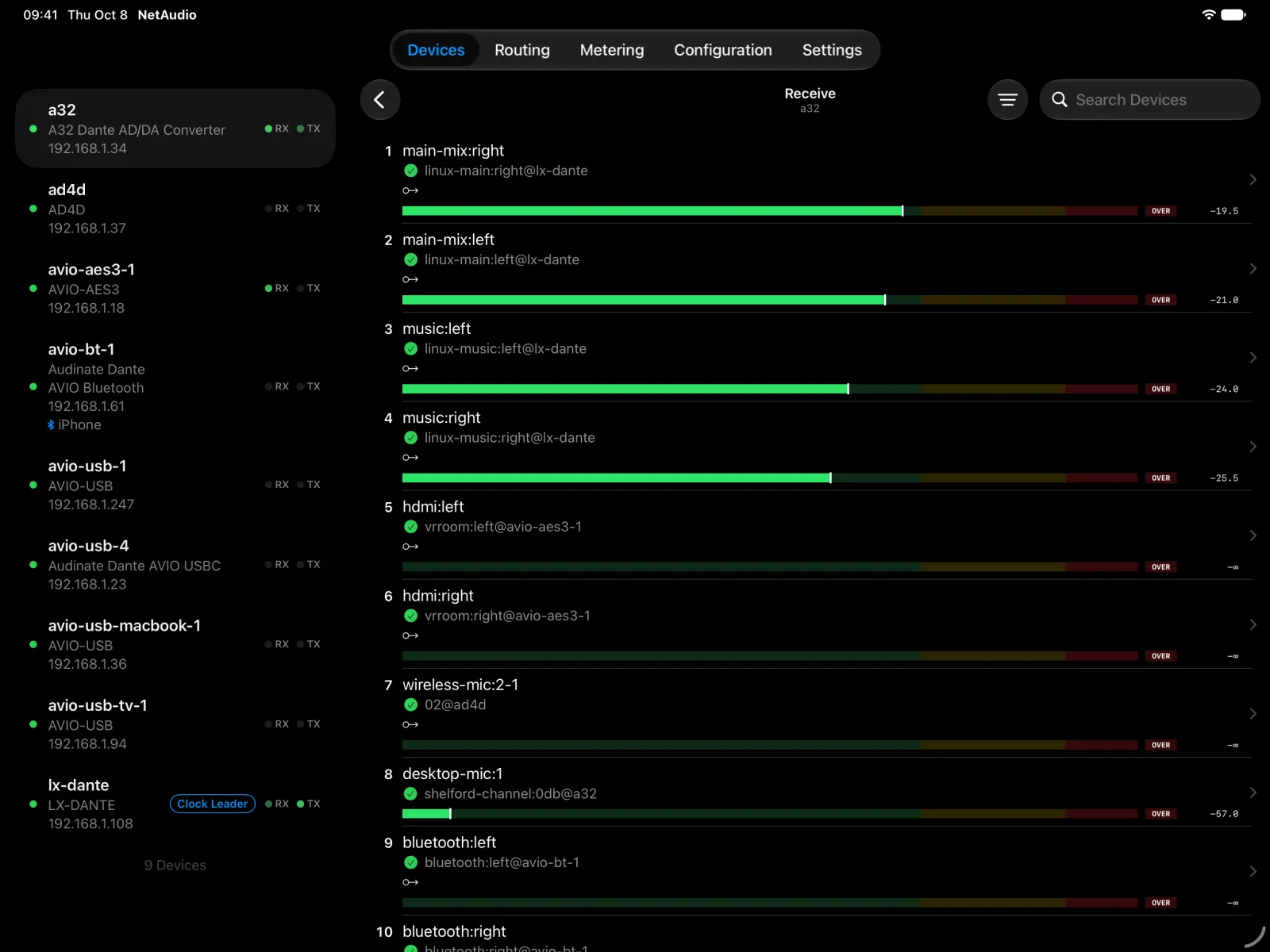
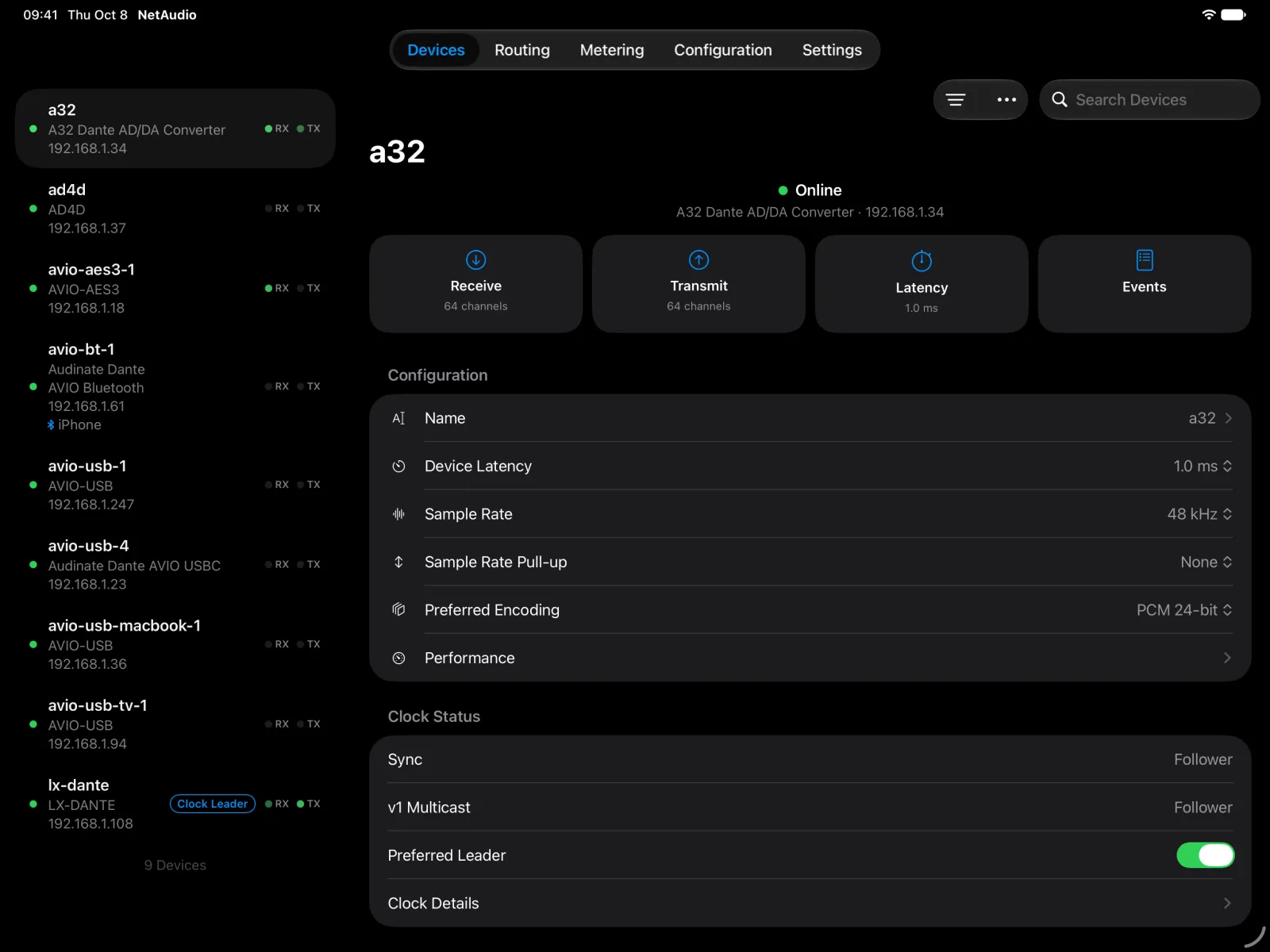
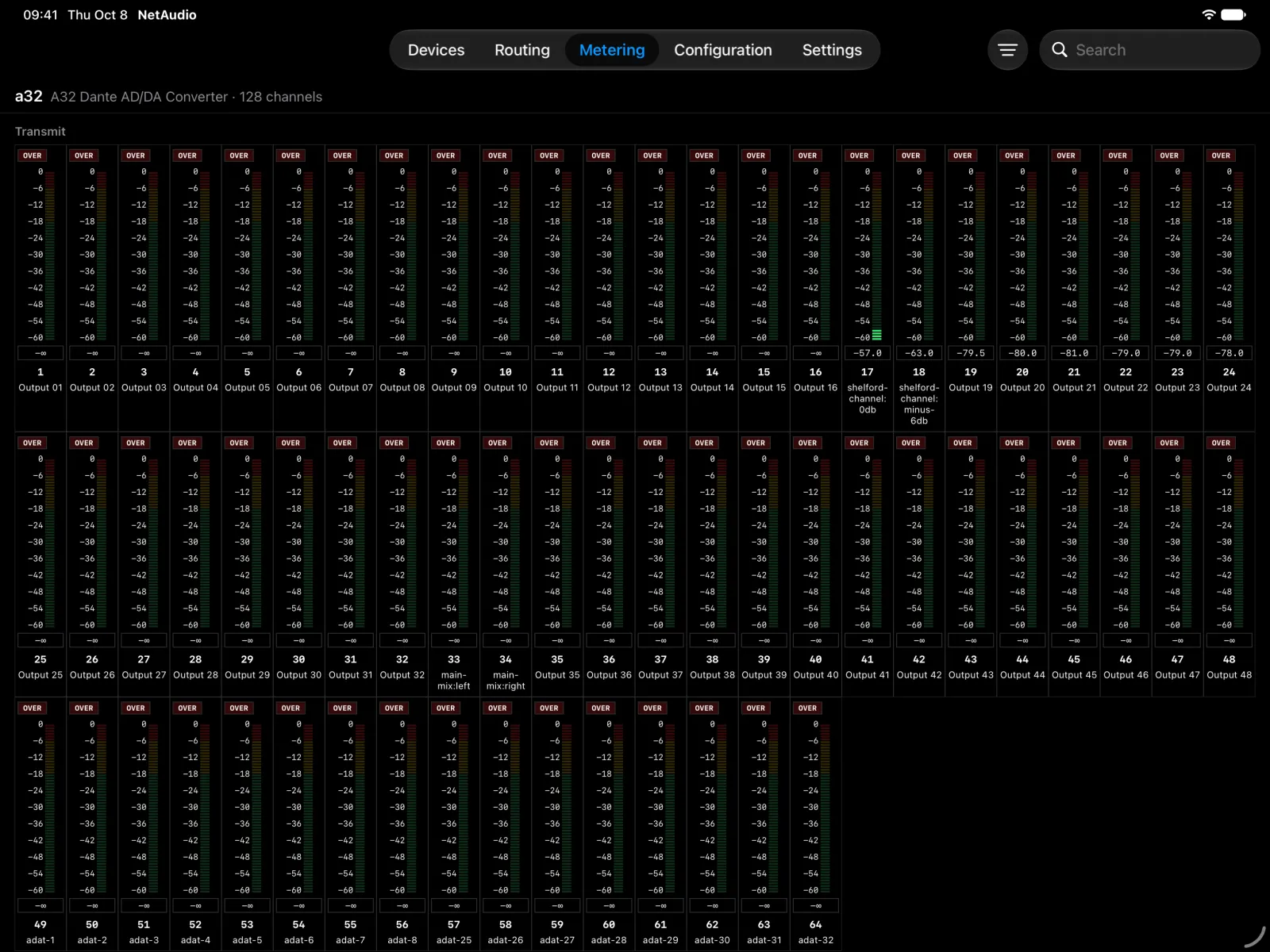
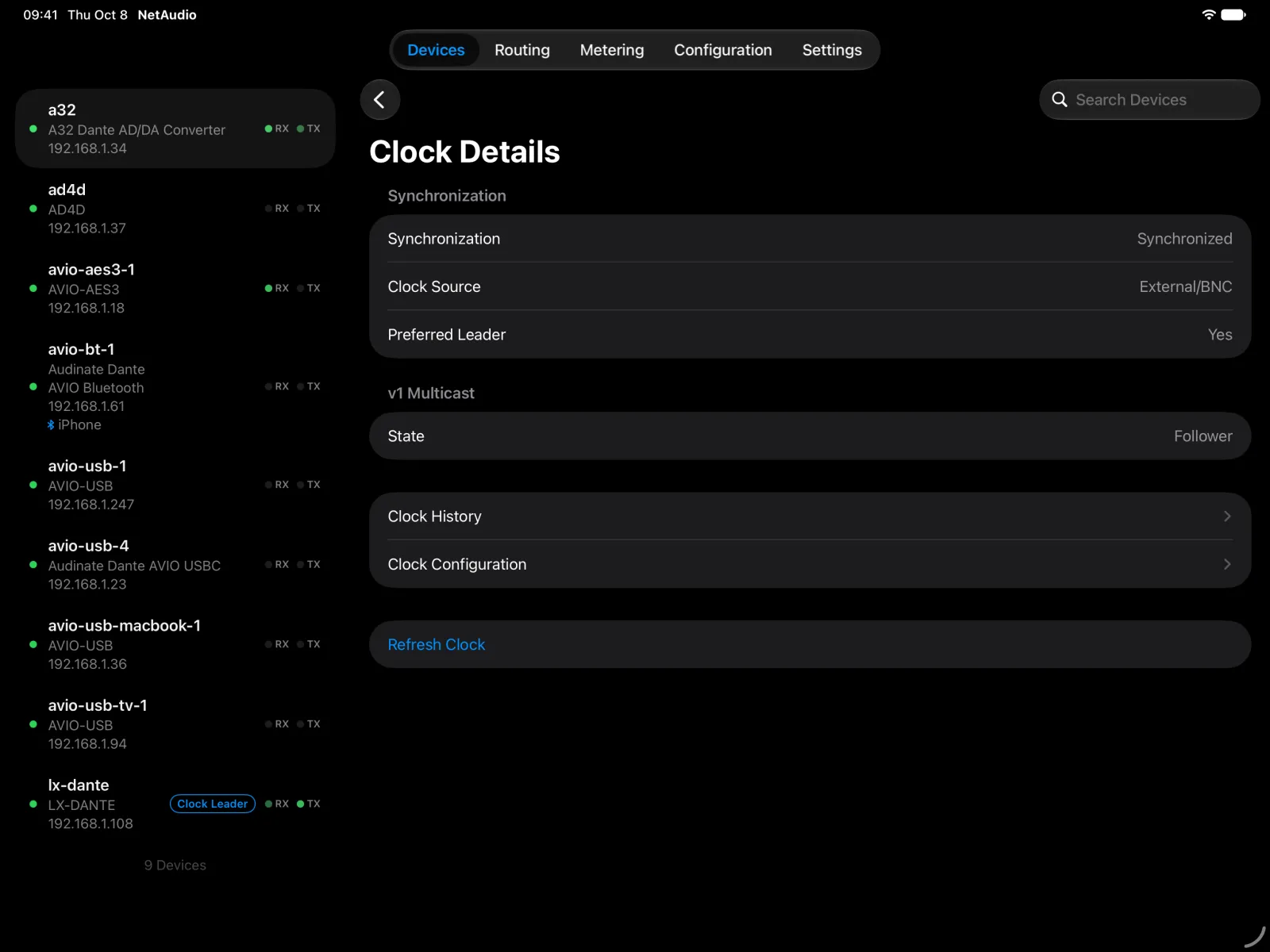
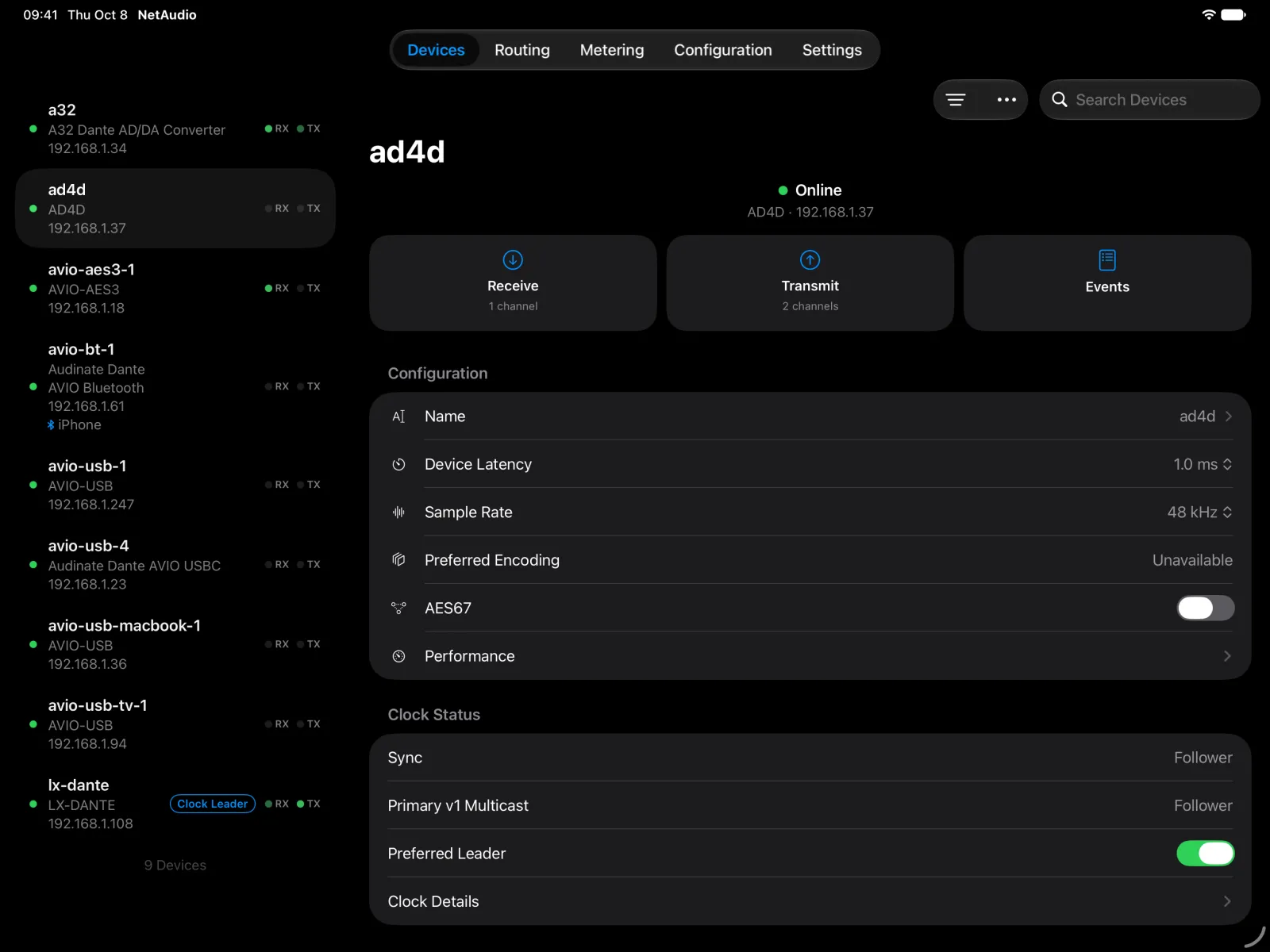
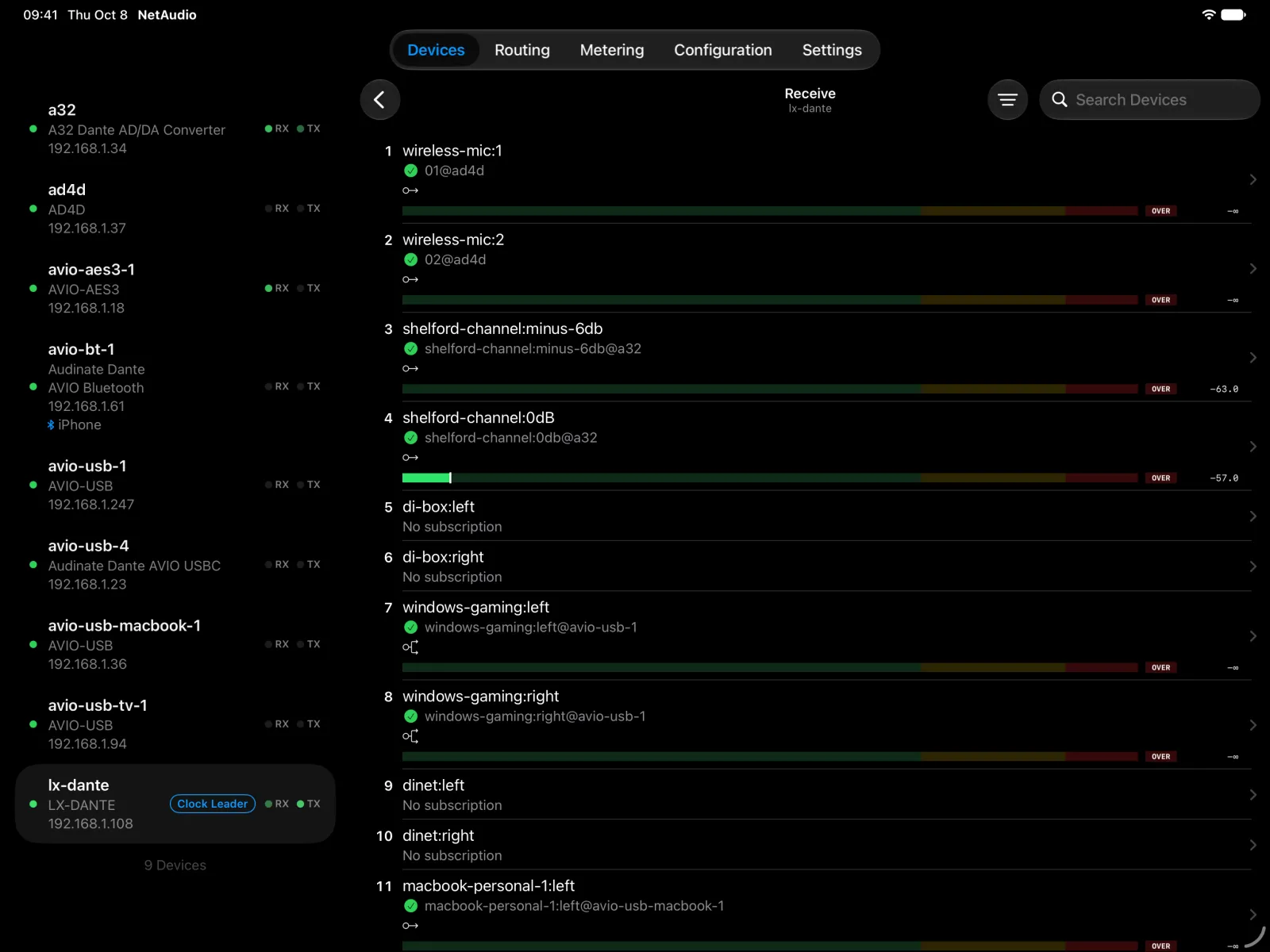
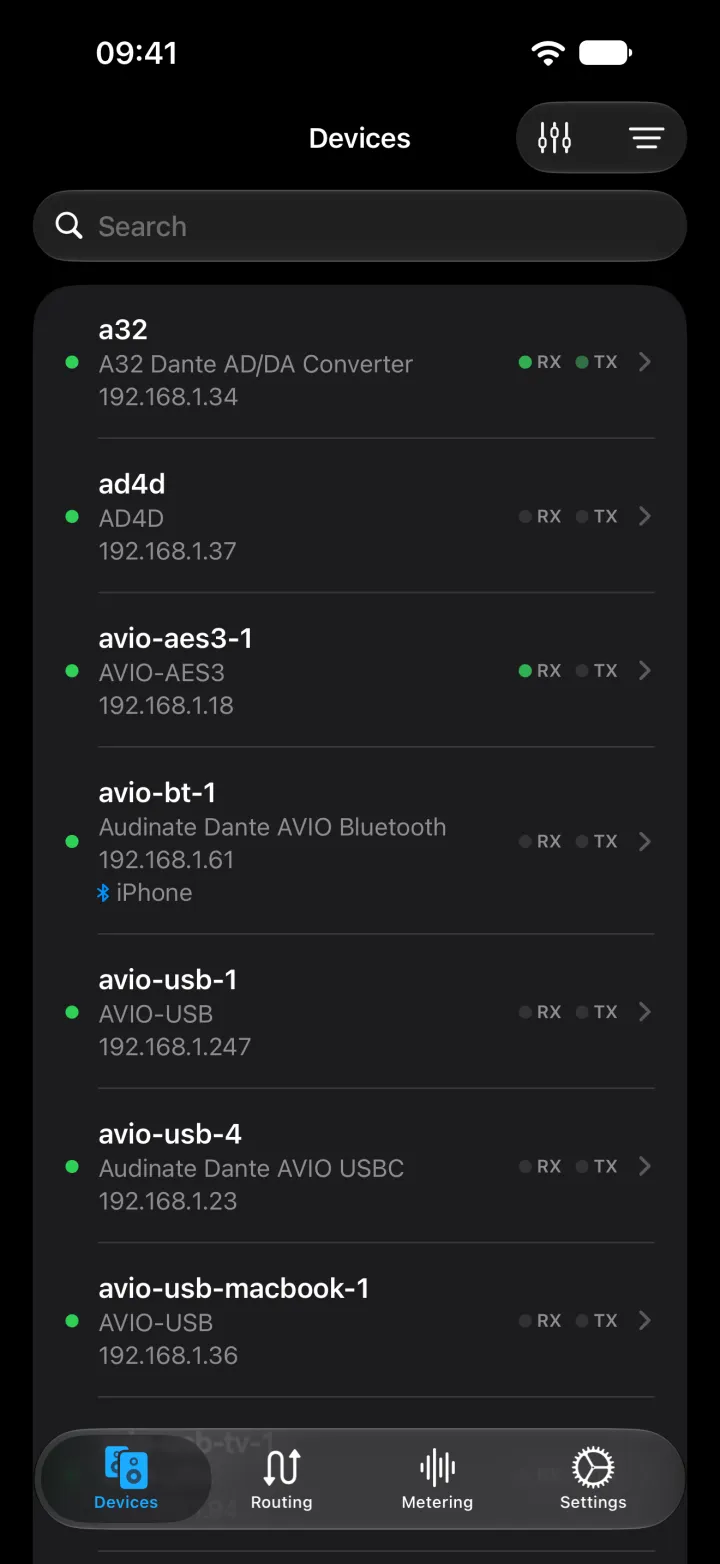
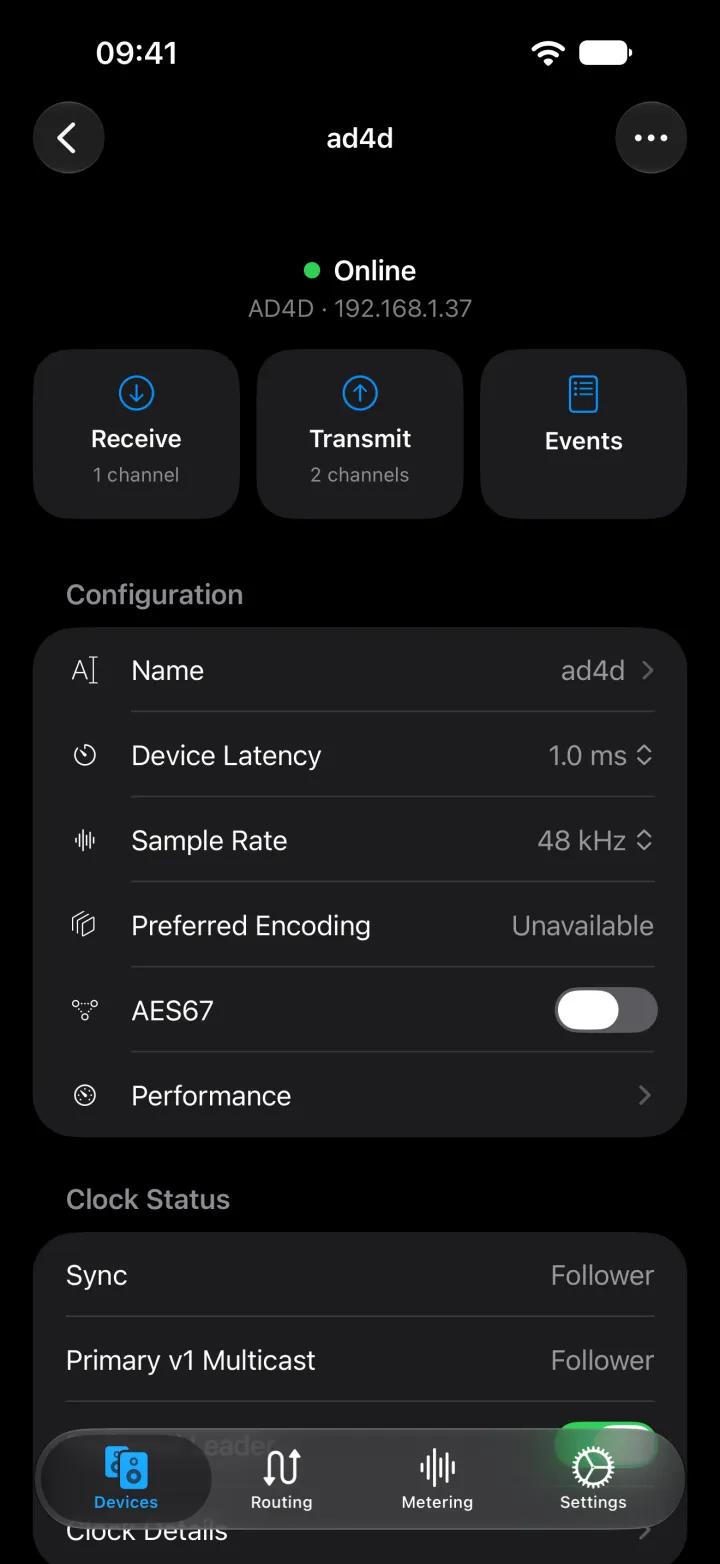
The app controls Dante devices directly over Wi-Fi. No computer needed.
Discover devices, route audio channels, and configure your Dante network. Use NetAudio on iPhone and iPad, or run the open-source CLI, web app, and daemon on Linux, macOS, and Windows.
The app controls Dante devices directly over Wi-Fi. No computer needed.
Install NetAudio on a Mac, Windows, or Linux computer on the network, over Wi-Fi or Ethernet. The netaudio command controls devices directly, from a terminal or a script. Start the daemon as well and commands answer faster, the web app opens in any browser, and the iOS app and your own scripts can connect to it.
iOS app
The NetAudio iOS app for iPhone and iPad is under active development.
Find devices, make and remove routes, rename channels, and change sample rate, latency, and network settings from a native app. It works on its own over Wi-Fi or connects to a NetAudio daemon.
Linux, macOS, and Windows
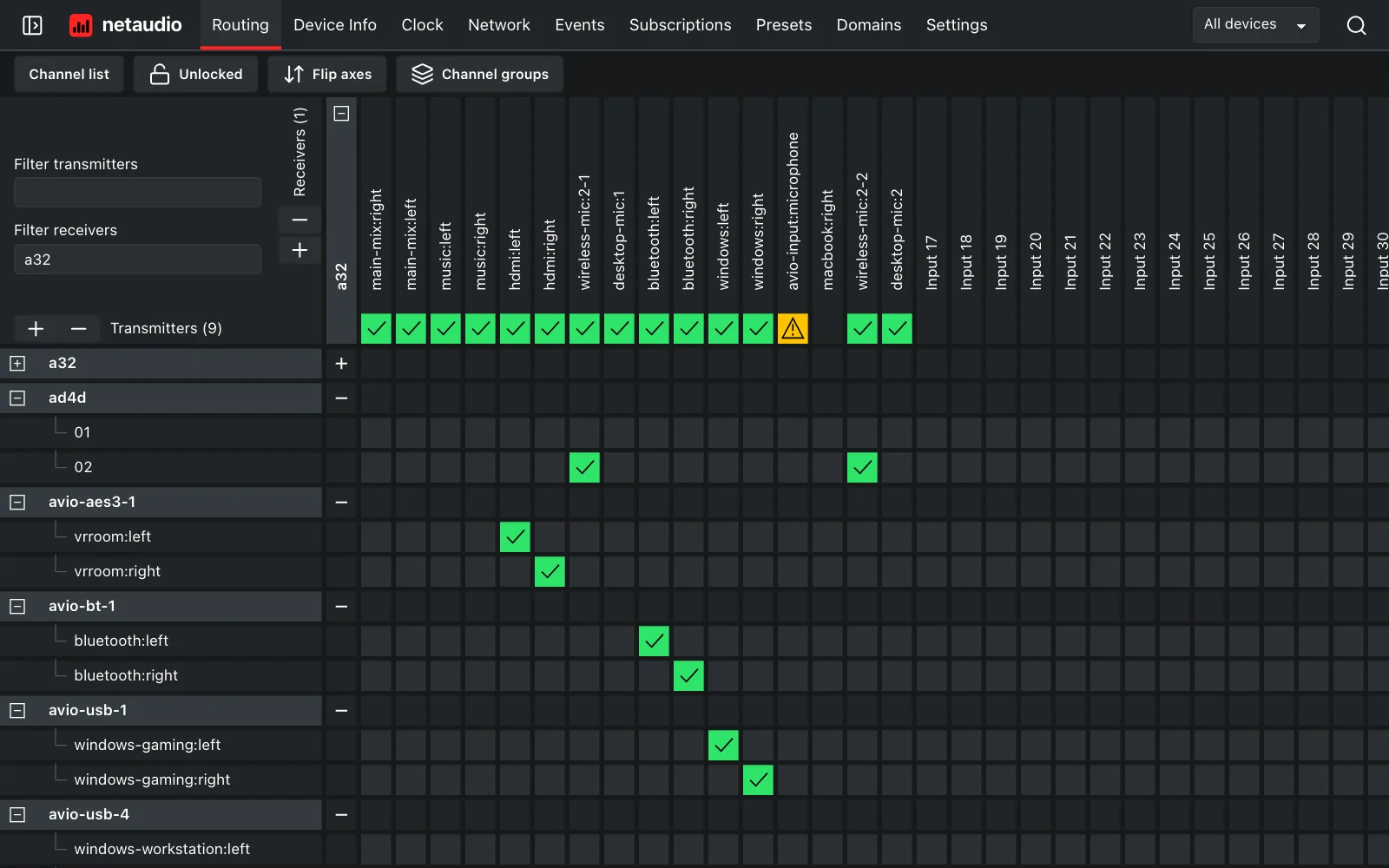
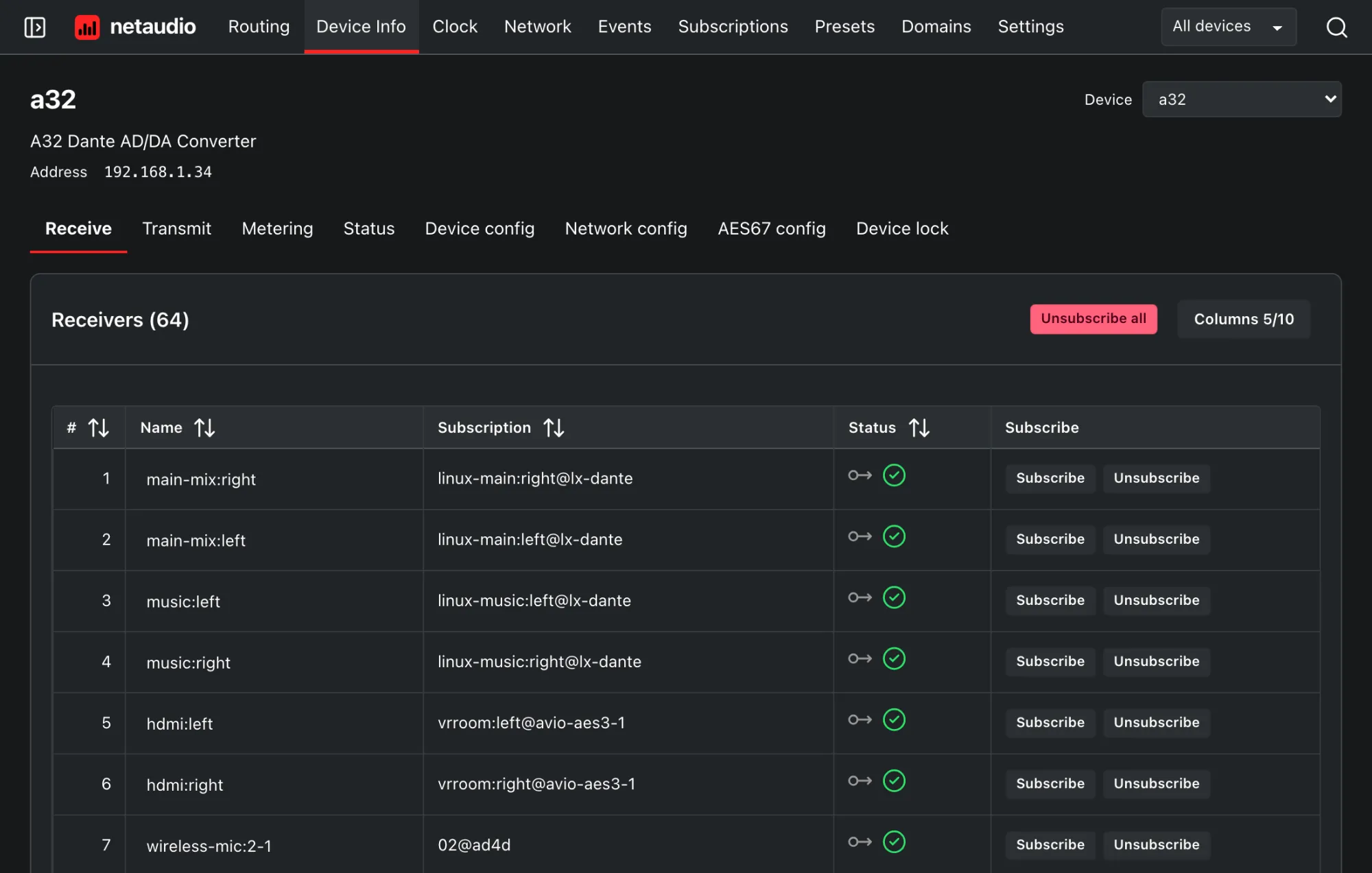
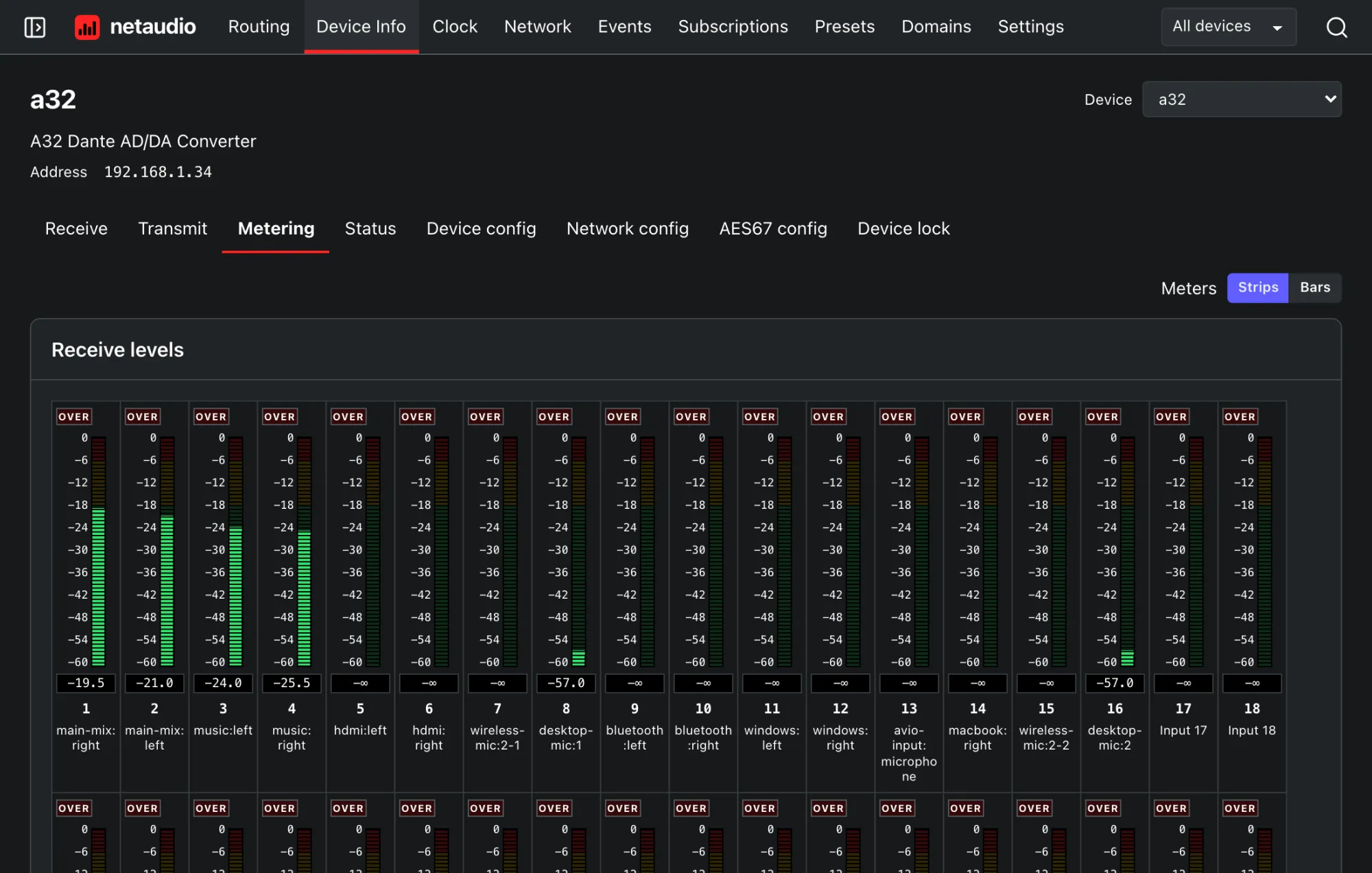
The open-source CLI, web app, and daemon run on Linux, macOS, and Windows. Control devices from your browser, inspect routing from the terminal, and automate configuration with scripts.
uv tool install netaudioGet startedCommand-line referenceHTTP API reference
Latest release: NetAudio 0.4.2, . The source code is public domain under the Unlicense.
In development
The NetAudio daemon includes an MCP server, so AI assistants that support the Model Context Protocol can inspect the devices, routing, and signal levels on your Dante network. You choose whether an assistant can only read or can also make changes.
NetAudio is unofficial and is not affiliated with or endorsed by Audinate.